
Where this service fits
- Contractors preparing a cover, equipment or mixed-category inquiry
- Projects with partial drawings or schedules that need an input-gap check
- Buyers comparing quotations that do not use the same scope or assumptions
Project input review
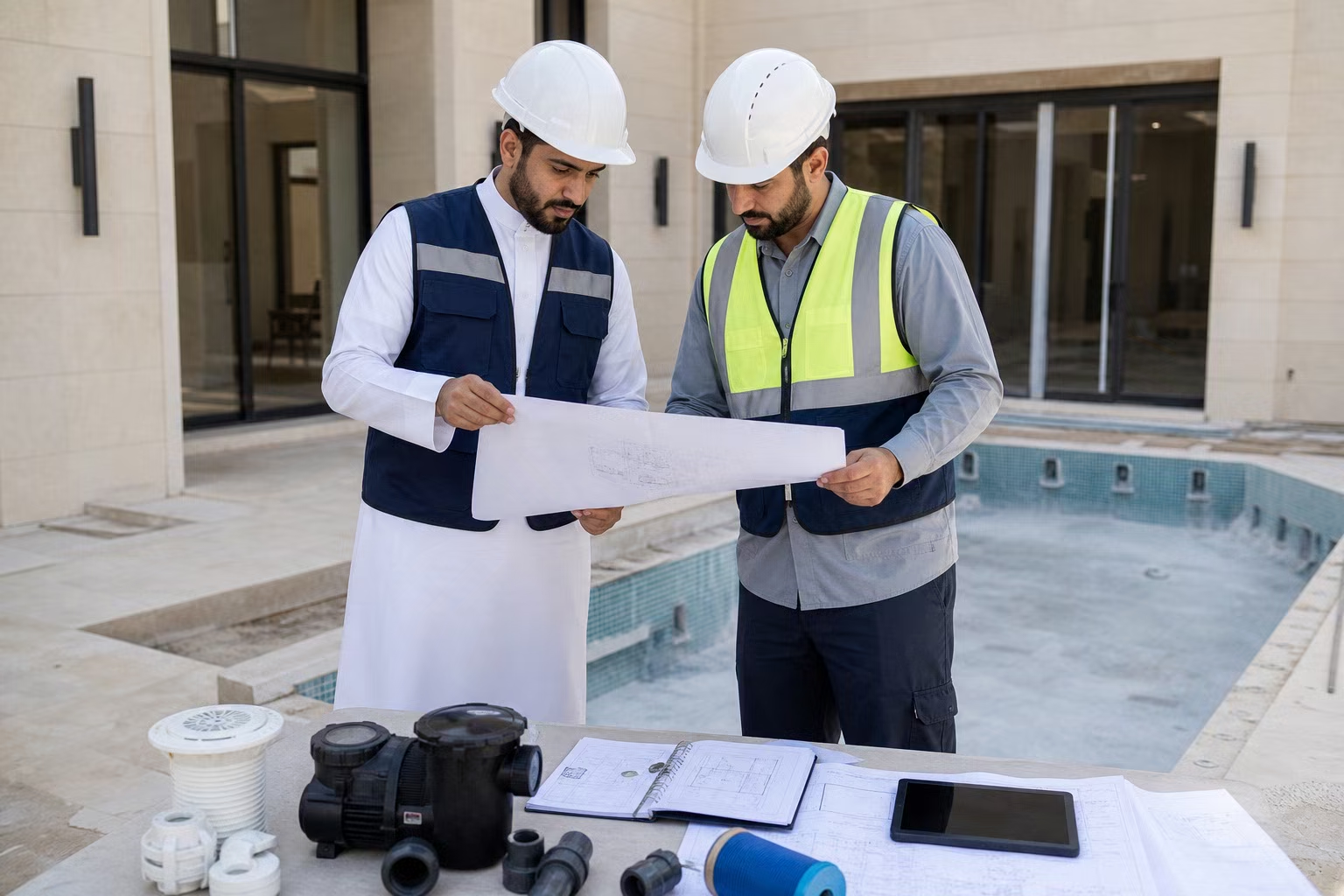
A drawing or BOM is the start of technical coordination, not automatic approval. PoolProject helps identify missing dimensions, unclear equipment duties, electrical conflicts and scope gaps before a quotation is treated as complete.
WhatsApp opens first. You can attach your drawing, BOM or project photos in the chat.

You build the pool. We coordinate the supply.
Finding products is easy. The hard part is turning drawings, BOM lines and several factories into one package that arrives right, complete and on time.
How PoolProject reduces it
We coordinate specialized factories through one China-side point of contact.
How PoolProject reduces it
We organize drawings and BOM data, flag gaps and freeze approved specifications before production.
How PoolProject reduces it
We structure the open questions, models, quantities, documents and lead times into one reviewable package.
How PoolProject reduces it
We define order-specific checks, evidence, packing records and consolidation before handover.
The document revision, units, project assumptions and requested categories are recorded.
Missing dimensions, duty points, electrical details, quantities and responsibility conflicts are made visible.
The buyer confirms the information and approved alternatives that the final quotation will reference.
Send the format available in WhatsApp, such as a PDF, spreadsheet, image or drawing export. The team will confirm whether it is readable enough for the intended review.
No. We can flag missing supply inputs, but final system engineering and code approval remain with the buyer's qualified team.
Use clear revision names or dates and confirm which document is current before the quotation or drawing is approved.
State the project destination, document revision and the supply categories you want reviewed.
WhatsApp opens first. You can attach your drawing, BOM or project photos in the chat.